Know what’s happening at the gate
Connected PIR detectors and photo beams can detect activity near the entrance, while gate-state inputs report whether the gate is open or closed. Set open-gate reminders to suit the way the entrance is used.
 Let’s talk
 GATE MONITORING & AWARENESS
See what happened. Hear which gate needs attention. Alert brings together gate monitoring, camera images, and a built-in configurable Announcer, with Notify adding visual event context.
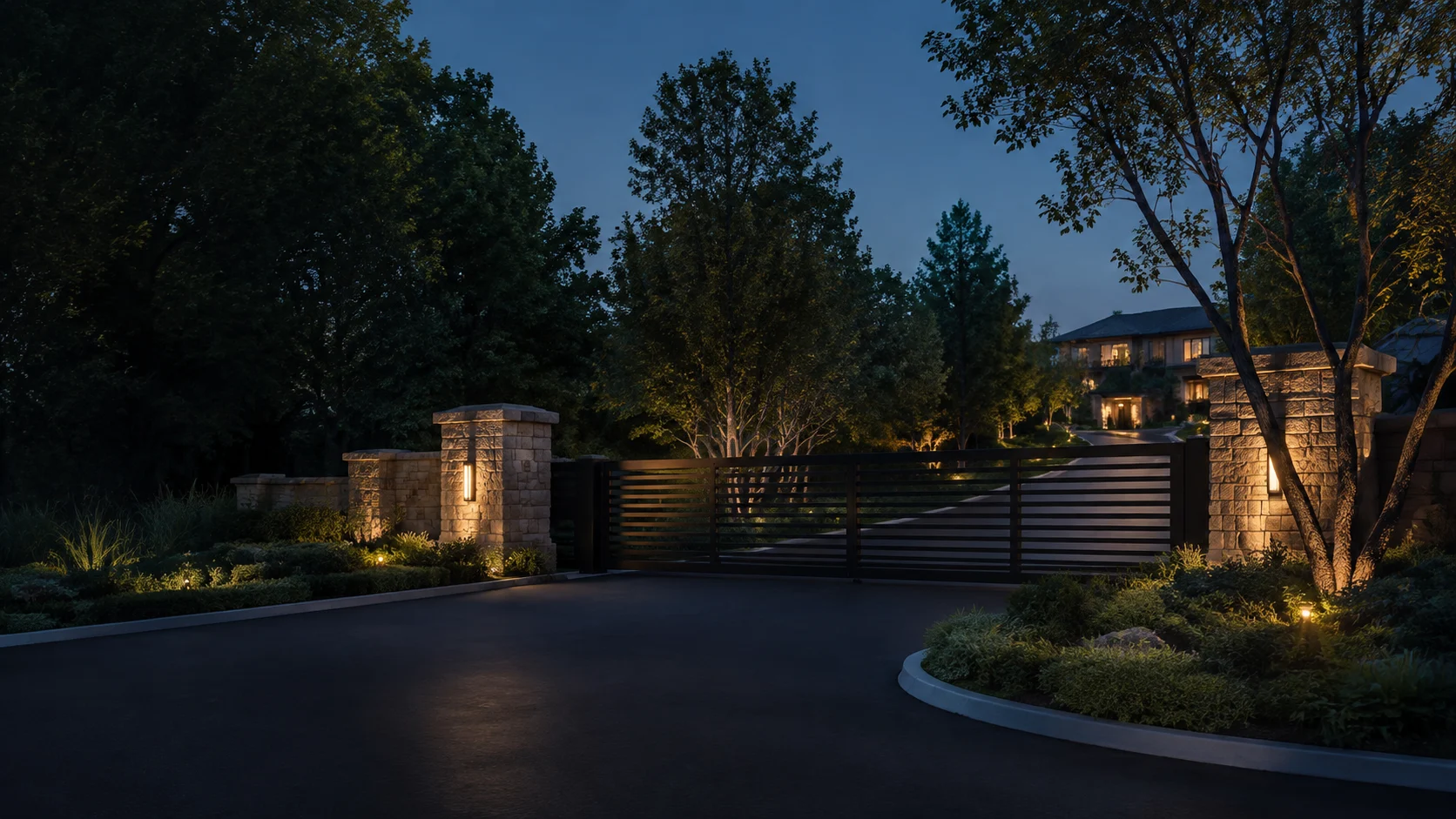
“There’s activity at the North Gate.”
“The gate is opening.”
“The North Gate is closed.”
PURPOSE, MADE PRACTICAL
Alert works alongside your existing gate system to make activity easier to notice and understand. Its Announcer uses connected radios to broadcast spoken updates to local receivers, while Notify brings gate events and available images into view.
Connected PIR detectors and photo beams can detect activity near the entrance, while gate-state inputs report whether the gate is open or closed. Set open-gate reminders to suit the way the entrance is used.
Capture camera images on supported events or on request. Alongside spoken announcements, Notify events and available images help owners see what prompted the alert.
The built-in configurable Announcer sends voice messages through connected radios to local receivers. Messages such as “There’s activity at the North Gate” identify the entrance and explain what is happening.
HOW IT WORKS
The controller monitors gate-state inputs and connected proximity devices, such as PIR detectors or photo beams, for activity at the entrance.
Configured camera capture adds a view of the entrance when an event calls for it.
The Announcer broadcasts configured voice messages over the connected radio. Notify adds visual event context when connected, helping the owner notice and understand what needs attention.
THE CAMERAS YOU ALREADY OWN
GateMagic is designed to work with the cameras you own. Most major brands are supported. Connect directly to IP cameras, or integrate analog cameras through your DVR/NVR. Guided learning helps your installer bring it all together.
GateMagic scans your local network for camera devices. Using the information it finds, the learning wizard suggests three or four likely connection recipes for your installer to try.
Your installer tests the suggested recipes. If none work, they can add a custom configuration for your camera or recorder. The wizard guides the process so technical details become less of a barrier.
Working configurations return to GateMagic for review. Evidence from successful installations helps us verify camera and image-path configurations, then add them to the library the wizard uses for future installations.
AT YOUR SITE
Bugs or spiders can cause repeated sensor triggers. When activity reaches the configured threshold, Alert automatically puts activity notifications and voice announcements to sleep for a preset period. They wake when the timer expires.
Timed sleep lets you choose how long activity notifications and voice announcements rest: two hours for a party, two days for a busy weekend, or another duration that suits you. They wake automatically when the time is up.
Core gate monitoring and configured Announcer audio run locally. Radio announcements use the connected radio equipment and local receivers; remote notifications and Notify depend on connectivity and service availability. Alert focuses on monitoring, while Pro provides access management. Confirm image history and retention with your installer.
A FEW USEFUL ANSWERS
Need to discuss your equipment or a particular installation?
Talk with GateMagic